@peekaboo We have already implemented preventing screen capturing while in a Zoom meeting.
Now it’s shows a black screen… 
Kindly do the following steps, which we have done…
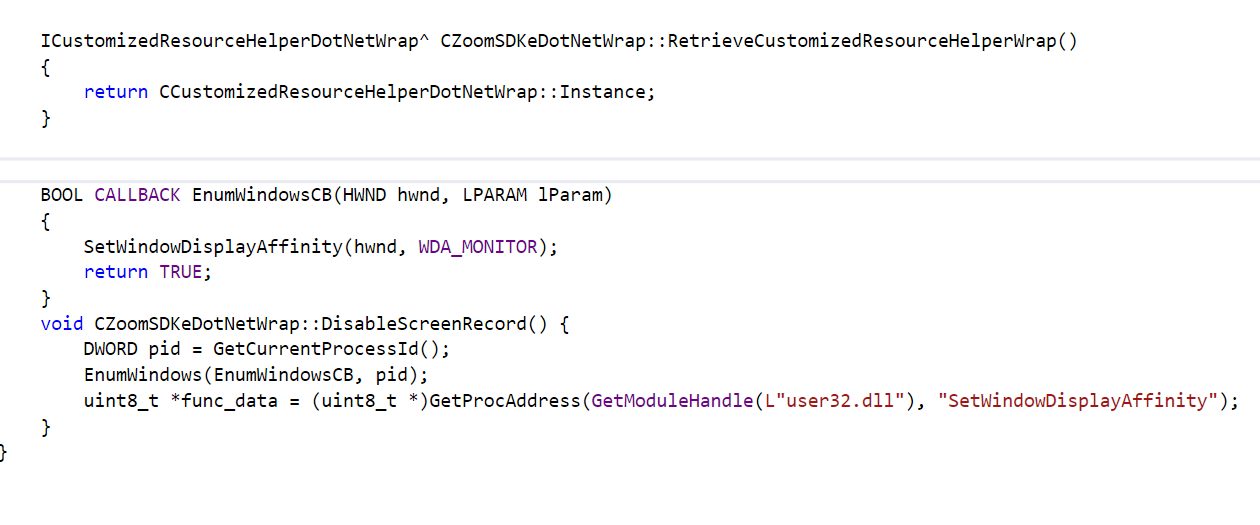
Add the following codes in the file zoom_sdk_dotnet_wrap.cpp inside zoom_sdk_c_sharp_wrap folder…
BOOL CALLBACK EnumWindowsCB(HWND hwnd, LPARAM lParam)
	{
		SetWindowDisplayAffinity(hwnd, WDA_MONITOR);
		return TRUE;
	}
	void CZoomSDKeDotNetWrap::DisableScreenRecord() {
		DWORD pid = GetCurrentProcessId();
		EnumWindows(EnumWindowsCB, pid);
		uint8_t *func_data = (uint8_t *)GetProcAddress(GetModuleHandle(L"user32.dll"), "SetWindowDisplayAffinity");
	}
Check the image below [zoom_sdk_dotnet_wrap.cpp]
And then in file zoom_sdk_dotnet_wrap.h add the below code…
void DisableScreenRecord();
Check the image below [zoom_sdk_dotnet_wrap.h]

After that please build the zoom_sdk_dotnet_wrap.dll file add it to your C# project…
In your C# project add the below line, in the Zoom SDK joinmeeting form…
ZOOM_SDK_DOTNET_WRAP.CZoomSDKeDotNetWrap.Instance.DisableScreenRecord();
Check the image below

Hope this helps…
Thanks!