Using this template helps us debug your issues more effectively 
Description
i create basic account on zoom and create jwt app then i create event notification on meeting ended to this url “beyondsa.online” and start meeting and end it for all but event not working
Error
Event Subscriptions not working
Which App Type (OAuth / Chatbot / JWT / Webhook)?
JWT
Which Endpoint/s?
Thanks for reaching out, @beyondteam !
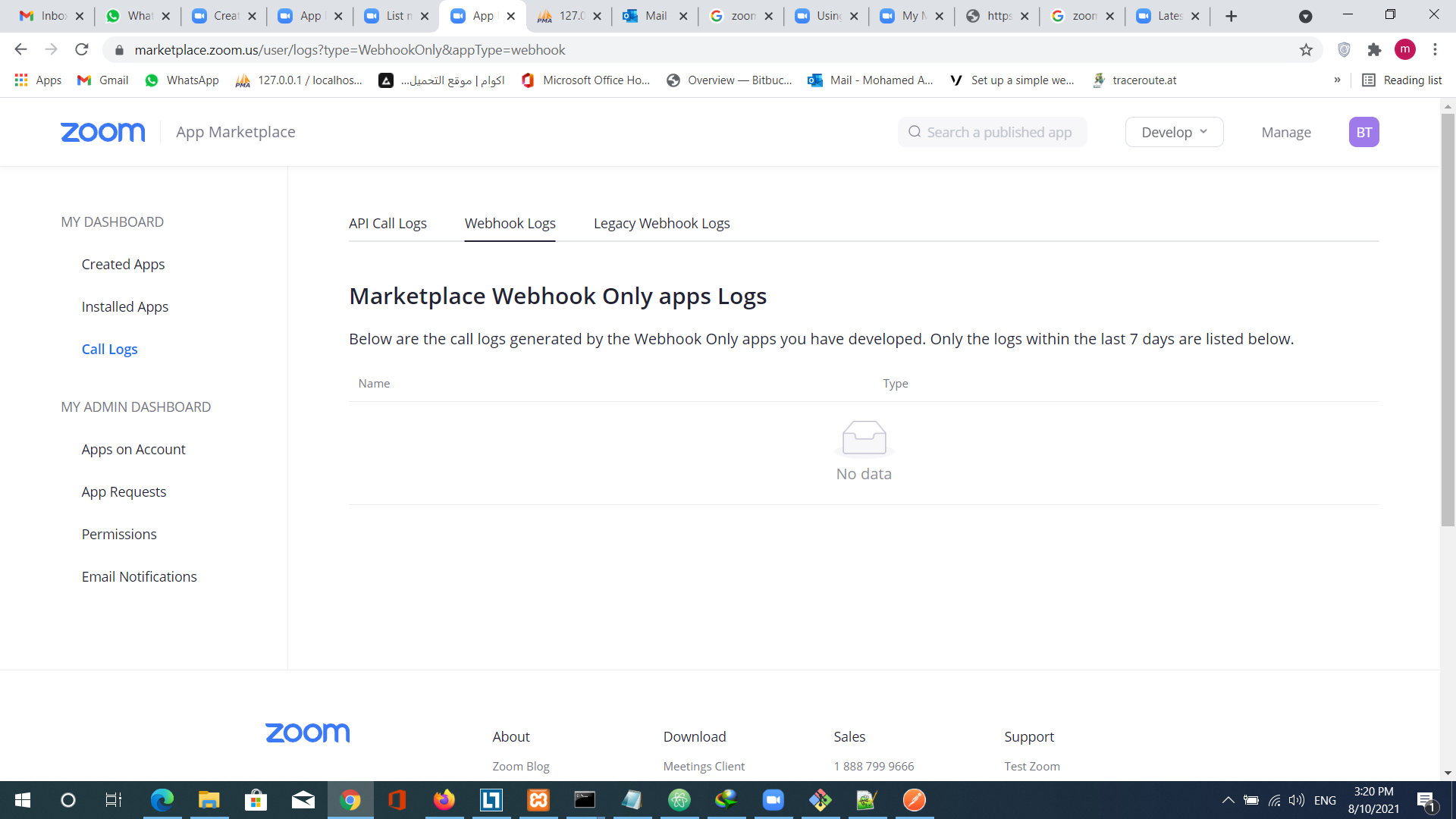
It looks like you’re trying to access the call logs for a webhook-only app. Since your app is a JWT app, these logs will not be available to you. We’re working on improvements to our development portal to include data like this, however; at this time, these logs are only available to webhook-only apps. A good way to debug webhooks is webhook.site. This will allow you to test/verify your events for your JWT app.
Kind regards,
Brandon
thanks but how can i redirect to url after scheduled meeting ended ?
Hello, @beyondteam !
It sounds like what you’re looking to achieve is a Post-attendee URL. Checkout the documentation below and let me know if that helps!
Kind regards,
Brandon
i am in pro package and i cannot add Branding. it return only information text, is there is another way ?
and another question in this account i need to enable multi meeting in same time and record meeting on cloud ,i tried add users but users add in basic package so i need all records in one pro account ?
Hey @beyondteam ,
At this time, the Post-attendee URL is the only way to redirect participants to your site after the meeting has ended. The closest similar option is for webinars - you may set the after meeting survey_url via the Update Webinar API. This can be achieved on a Pro account with a Webinar Plan.
In order to use cloud recording, you need to be a pro license or higher. Is there a user on your account having trouble doing so? In regards to concurrent meetings, you can do this on your account as long as each meeting is started by a different host (unless you’re on a Business+ plan).
Regards,
Brandon