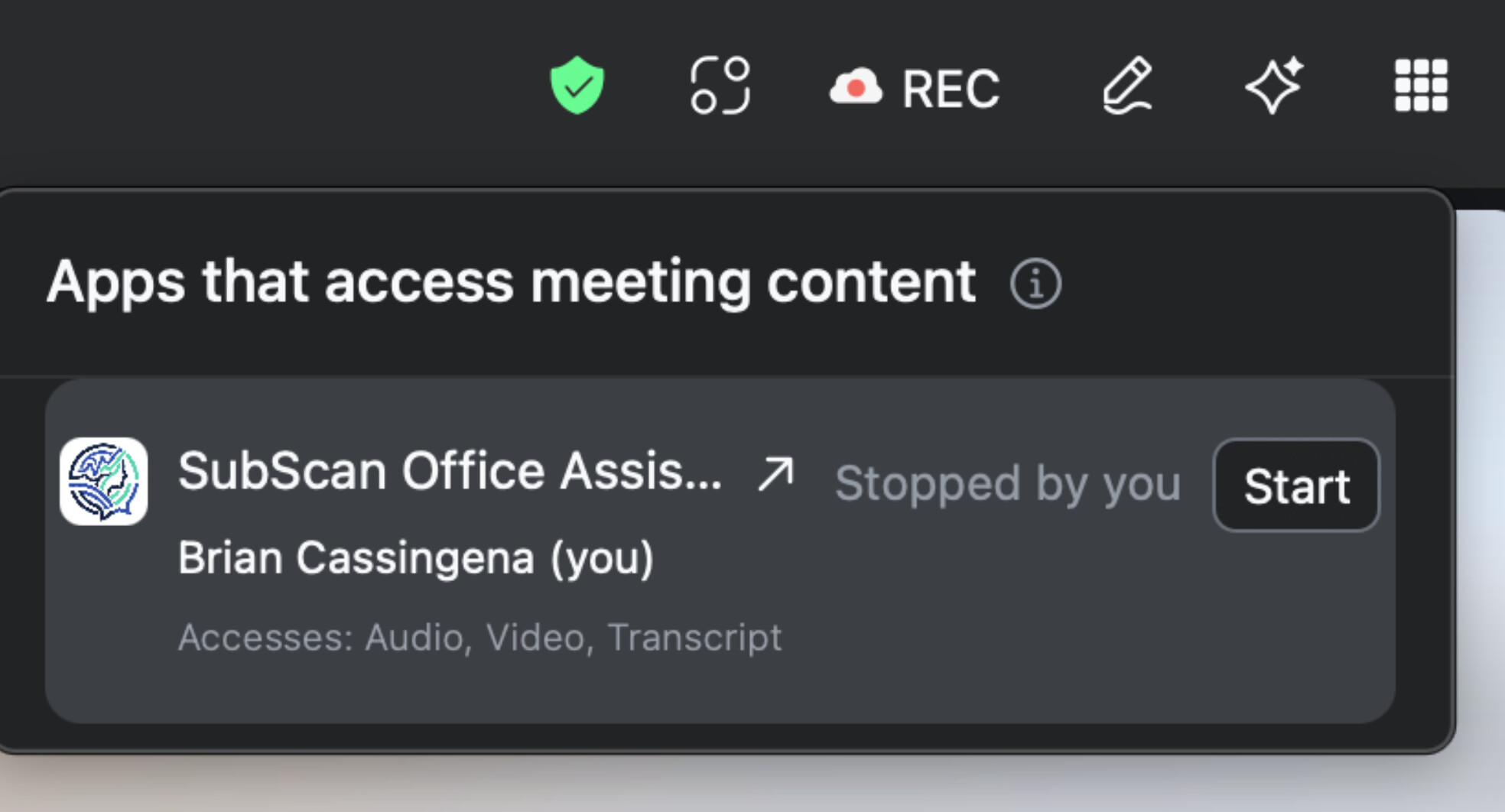
Having a new problem where our RTMS app is stopping a few seconds after a call starts.
We are getting the correct RTMS webhook, handshake, subscribing participants but the reason why it’s stopping is a mystery.
Our RTMS trial is good until the end of this month.
Has anyone had this problem and what could be the cause? We have the same scopes as before and it’s set to auto start in my account. If I click start then the app seems to operate normally.
I’m also getting an error message in my server logs: [RTMS] stop_reason=10 — API re-trigger failed (400): Invalid access token, does not contain scopes:[meeting:update:participant_rtms_app_status, meeting:update:participant_rtms_app_status:admin].. Waiting for Zoom auto-retry.
I already have the scope meeting:update:participant_rtms_app_status - but there is no scope named “meeting:update:participant_rtms_app_status:admin” in my RTMS app.
Hi Brian,
I don’t think the :admin variant scope in that error is required, I believe Zoom is just listing all the scopes that would satisfy the check, and you only need one of them. The real issue is that the token being used on the auto-start re-trigger path doesn’t contain meeting:update:participant_rtms_app_status even though you’ve granted it, which almost always means the token was minted before the scope was added (or isn’t being refreshed against your current grant).
I would suggest trying to reauthorize or reinstall the app for the account that enabled auto-start so Zoom mints a fresh token carrying your current scope set. Zoom requires fresh consent when scopes change, and a new grant should resolve the re-trigger failure.
If the reinstall doesn’t fix the issue, it’s probably worth confirming directly with Zoom that the trial is still fully active on your account before going deeper.
If you’re looking to use Zoom RTMS out-of-the-box, we’re a Zoom RTMS Preferred Partner. We’ve helped thousands of developers integrate with Zoom and can help you with your RTMS integration too!
@BrianCassingena is there possibility the API is trying to start RTMS for another user’s meeting, which results in this error?
It might be the case where user A 's access token tries to start RTMS for user B, but since it is another user’s account, the backend system tries to look for admin scope.
Actually what it’s doing is, it starts normally, then it says “Your meeting is no longer accessing content” and then 5-10 seconds later it changes to ‘accessing’ and runs normally. This happens before a 2nd person joins the call, so its only ever my account starting RTMS. When I posted this question I thought it was dropping out of the call for good, and I’d never seen (or maybe didn’t notice?) this behavior in the months we’ve been testing RTMS
@BrianCassingena let me PM you to get more information like meeting ID and stream ID, I’ll take a look at the backend