Description
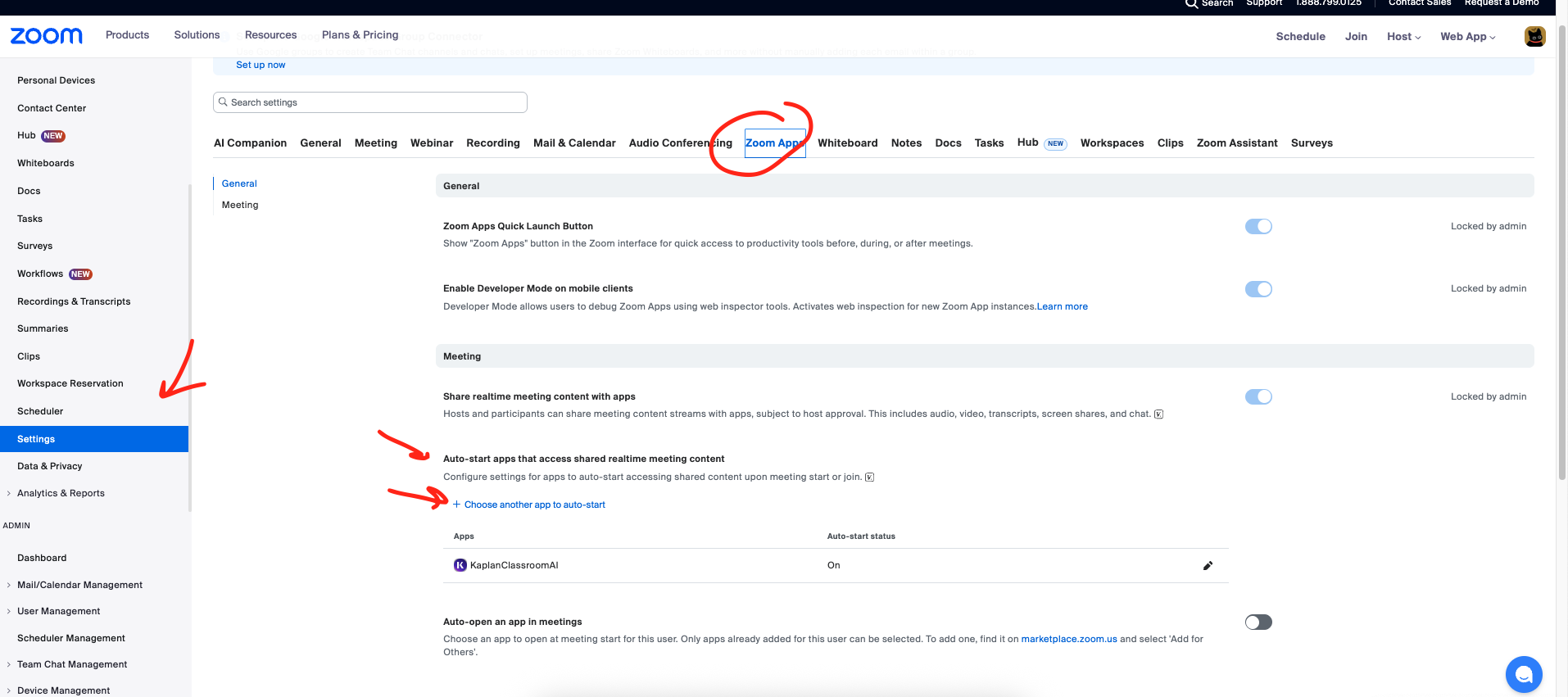
I’m developing an app that uses RTMS. During the Development phase, after setting the scope and webhooks, I added the app to my development account using the app manager.
After adding it, I can’t find the app I want to test in the Zoom Apps section of User Settings, under the “Choose an app to auto-start” function.
If those scopes are set and the app used to appear but suddenly disappeared, that usually matches the behavior in this RTMS entitlement thread where the RTMS license on the tenant was removed or misconfigured.
At this point the next step is to contact Zoom via the RTMS access form or open a Developer Support ticket with your account ID and app ID so they can re-enable RTMS for your org and get the app back in the auto-start dropdown.