Hello Zoom Developer Support and Community,
We are integrating Zoom Meeting SDK Web Client (v6.2.0) and encountered an issue where the SDK client cannot join a meeting.
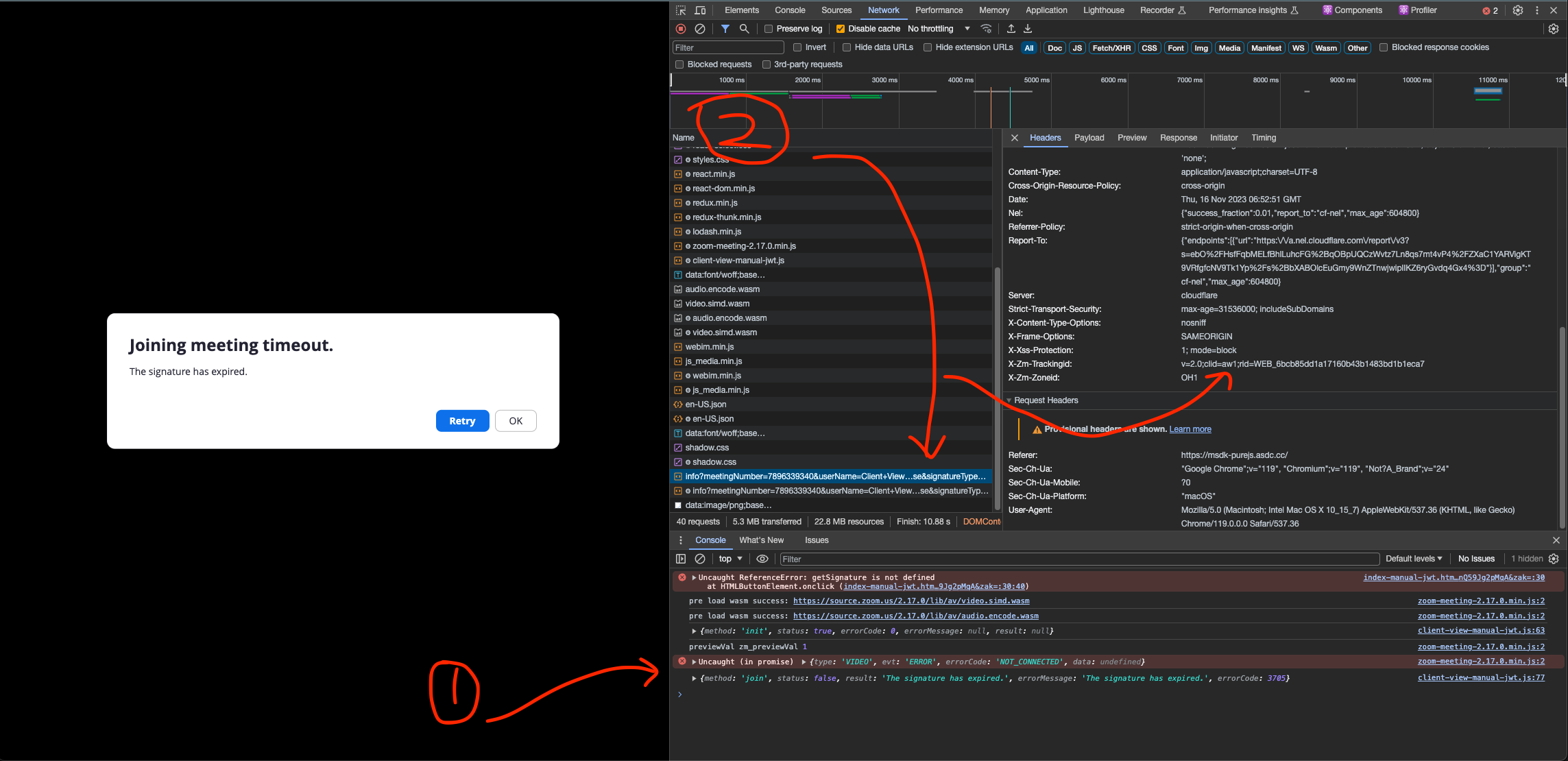
Error message
After clicking join, the SDK shows:
Joining Meeting Timeout or Browser restriction

Fail to join the meeting.

Error Code: 1
Console error:
{
  type: 'JOIN_MEETING_FAILED',
  reason: 'Fail to join the meeting.',
  errorCode: 200,
  exception: 'unknown_error'
}
Environment
- Meeting SDK Web: 6.2.0
- Browser: Chrome
- Region: China
- Client View integration
- Using Client ID / Client Secret to generate signature
Issue description
The signature generation works correctly.
The flow is:
- User requests signature from our backend.
ZoomMtg.init()succeeds.- User can enter the meeting waiting state before the host starts the meeting.
- After the host starts the meeting, the SDK fails to join and shows Error Code 1.
Additional tests
We tested with:
- Scheduled Meeting (not only PMI)
- New Meeting SDK App
- New Client ID / Client Secret
- Different meeting settings
- Zoom Meeting SDK Web 6.2.0
- China CDN and default CDN
The same Meeting SDK integration works correctly with our own Zoom account meetings.
However, for another Zoom Business account meeting:
- Meeting SDK Web Client fails.
- Official Zoom Web Client (
app.zoom.us/wc/``...) can join the same meeting successfully. - Using VPN sometimes allows the Meeting SDK client to join successfully.
HAR comparison
Successful Meeting SDK join:
/wc/api       -> WebSocket 101
/ab/signal    -> WebSocket 101
/wc/media     -> WebSocket 101
Failed case:
/wc/api       -> WebSocket 101
/ab/signal    -> not established
/wc/media     -> not established
It seems the failure happens after the initial meeting connection, when the SDK tries to establish signaling/media connections.
Has anyone experienced a similar issue with Meeting SDK Web Client?
Could this be related to:
- Meeting SDK signaling/media WebSocket connection?
- Account-specific configuration?
- Region/media routing?
- Any Meeting SDK Web Client restrictions?
Any suggestions would be appreciated.
Thank you.