The “Get meeting recordings” endpoint (GET /meetings/{meetingId}/recordings) returns data about the recordings associated with a call, including any transcripts. However, the recording_files records don’t include the transcript language. I can’t find anyway to return this data, though it is available inside Zoom’s UI. For my specific use case, having the language detected by Zoom lets us know if we need to translate the transcript or not.
What a question. I agree that there is data for the translator, but I can not see the transcript.
You can change it during the meeting, too, but I’m not sure how that will break things.
Then I remember that at the high corporate level, you can have multiple translations!
English was the only language supported by Zoom’s transcript feature at the start. Maybe that is why they did not add to the api.
Can I ask for a more detailed business case and example so I can create a feature request to have this looked at? I will look at the API’s where this might be needed.
And as always, I hope I have overlooked something, and there is a quicker answer.
@amanda-recallai - Would you know what Language your translations are before, do you just assume English when you download them, or would this help you?
Thanks for checking @expertswho, as far as I know you’re you’re not overlooking anything. Confirming that the “Get meeting recordings” endpoint does not expose the detected transcript language in the API response, even though this is being shown in the Zoom UI. To automatically detect the language of the transcript, you’d need to use a third-party service or API to verify the specific language.
Thanks so much for the input and checking! I do remember reading that English came first, so might’ve just been an oversight in updating the API when other languages were added.
For our business case, we’re ingesting the transcripts of calls recorded to Zoom’s Cloud and then use a mix of webhooks and API calls to get data about the call and display inside our platform. One aspect of our platform requires parsing the call’s transcript, performing some analysis on it (platform-agnostic), and then displaying it in our UI. To improve our AI’s outputs and help our English-speaking team work with data easier, we translate everything to English before analyzing. Other tools we’ve integrated with (namely Gong and Teams) return the language of the transcript via their APIs, but Zoom doesn’t, meaning like @amanda-recallai said we have to resort to doing our own language detection. Since Zoom already has this data, it would be helpful to have it returned directly and then be able to skip the language detection step.
Hope that makes sense, thanks! It’s not the biggest deal in the world, the workaround of detecting the language ourselves isn’t that complicated (for anyone else in the same boat, we settled on using the Efficient Language Detector package for TypeScript, but they also have Python and PHP).
Take note @amanda-recallai has built a multimillion-pound business around managing these recordings. So she is taking what works today.
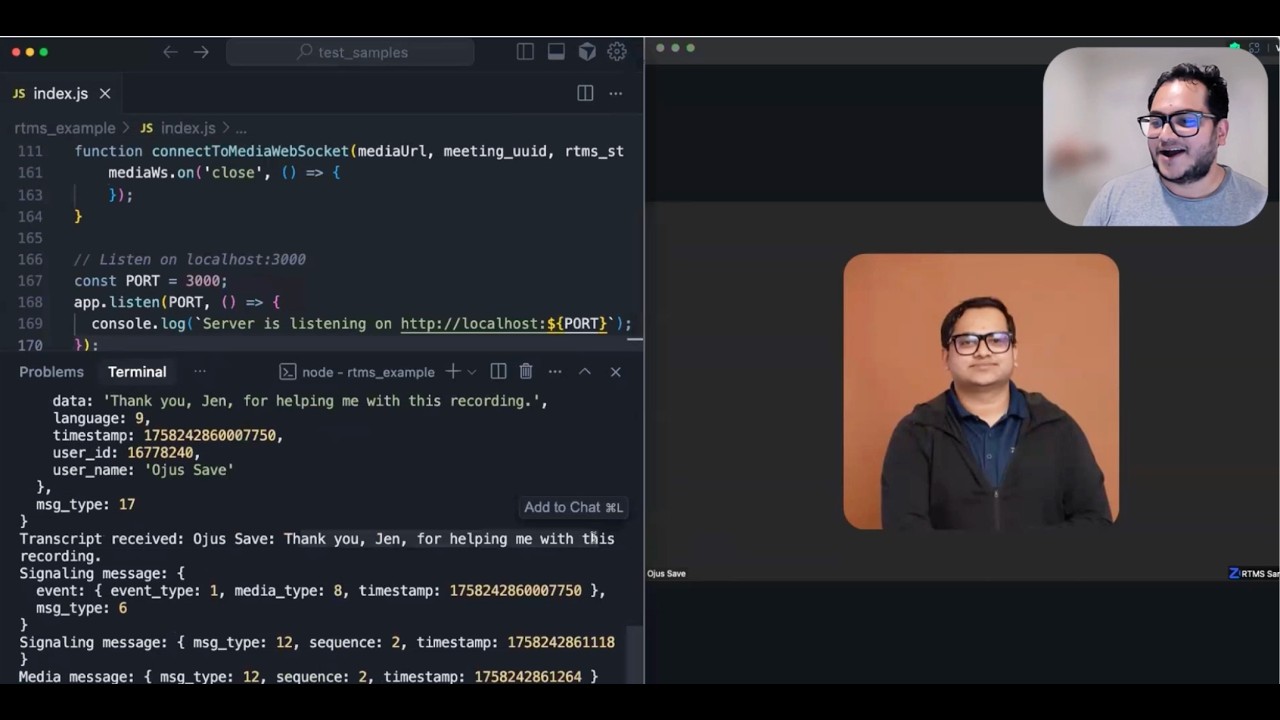
Also note that Zoom are keen to push RTMS. It has extra charges when live, but should be considered.
Zoom often has multiple ways to achieve the same thing., Due to the many ways you can integrate. But you open a good question about knowing what is the current language.
Since users can change this, there are several issues to consider.
But knowing the current language from a feed does now seem an oversight?
Funny enough, I worked at a company (called Edvise) that was a Recall customer 4ish years ago didn’t say anything cuz I’m not expecting you to remember me Amanda haha, imagine you’re working with a lot of people these days!
I can see the use case for RTMS too; in our situation, we really only care about the post-call data so we have no apps or bots or any of that. It’s meant to be installed by an org admin and pretty hidden experience to the end user. The language of the transcript is actually auto-detected by Zoom; I know some other platforms (Teams) ask the user to specify language when they begin recording.
 didn’t say anything cuz I’m not expecting you to remember me Amanda haha, imagine you’re working with a lot of people these days!