Hello,
I am creating an RTMS-enabled app on the Zoom Marketplace.
Description
When the app is set to User-managed, RTMS Events appear under the Events section. However, after switching the app type to Admin-managed, the RTMS Events disappear from the Access section. The RTMS scopes still appear under Scopes, but the webhook event configuration is missing.
Is this the intended behavior?
If yes, how should we configure RTMS webhook events for an Admin-managed app?
Steps to Reproduce
- Create a Zoom Marketplace app and enable RTMS scopes.
- Set the app as User-managed → RTMS Events are visible under Events.
- Switch the app type to Admin-managed → RTMS Events no longer appear under Access.
There are no errors, just missing configuration options.
Hey @allanmoreno, this is expected. RTMS features are available to user-level apps. To get bulk installs, an admin can install these apps for groups of users or for the entire account.
To get RTMS webhooks for all meetings on your account (which allow your app to respond and create a server), create a user-level app and install it for the entire account. Here’s an example of this:
Create a user-level private app and add RTMS webhook subscriptions (meeting.rtms_started & meeting.rtms_stopped) and the media scopes for the type of data you want to receive (audio, video, transcripts, etc).
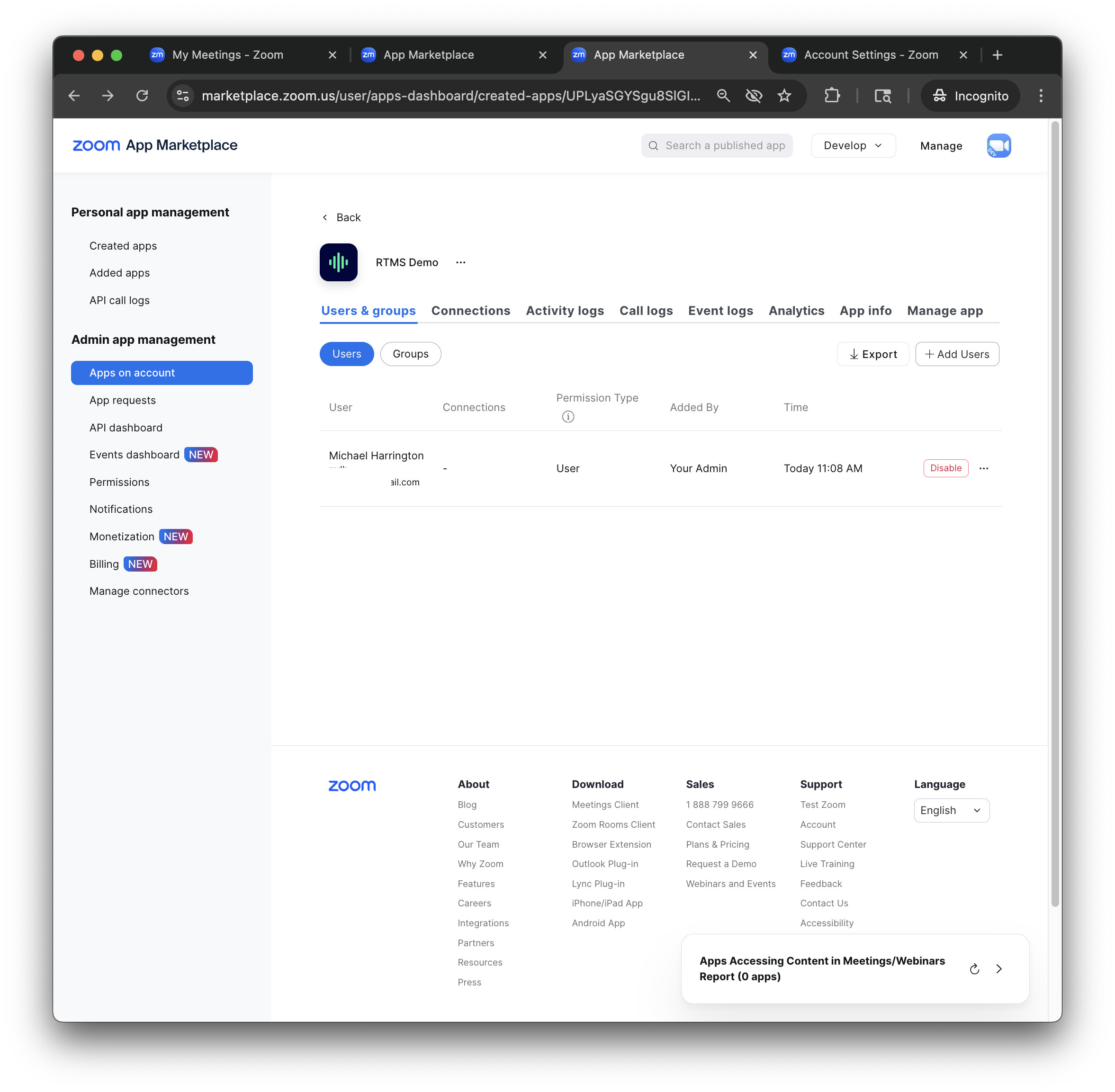
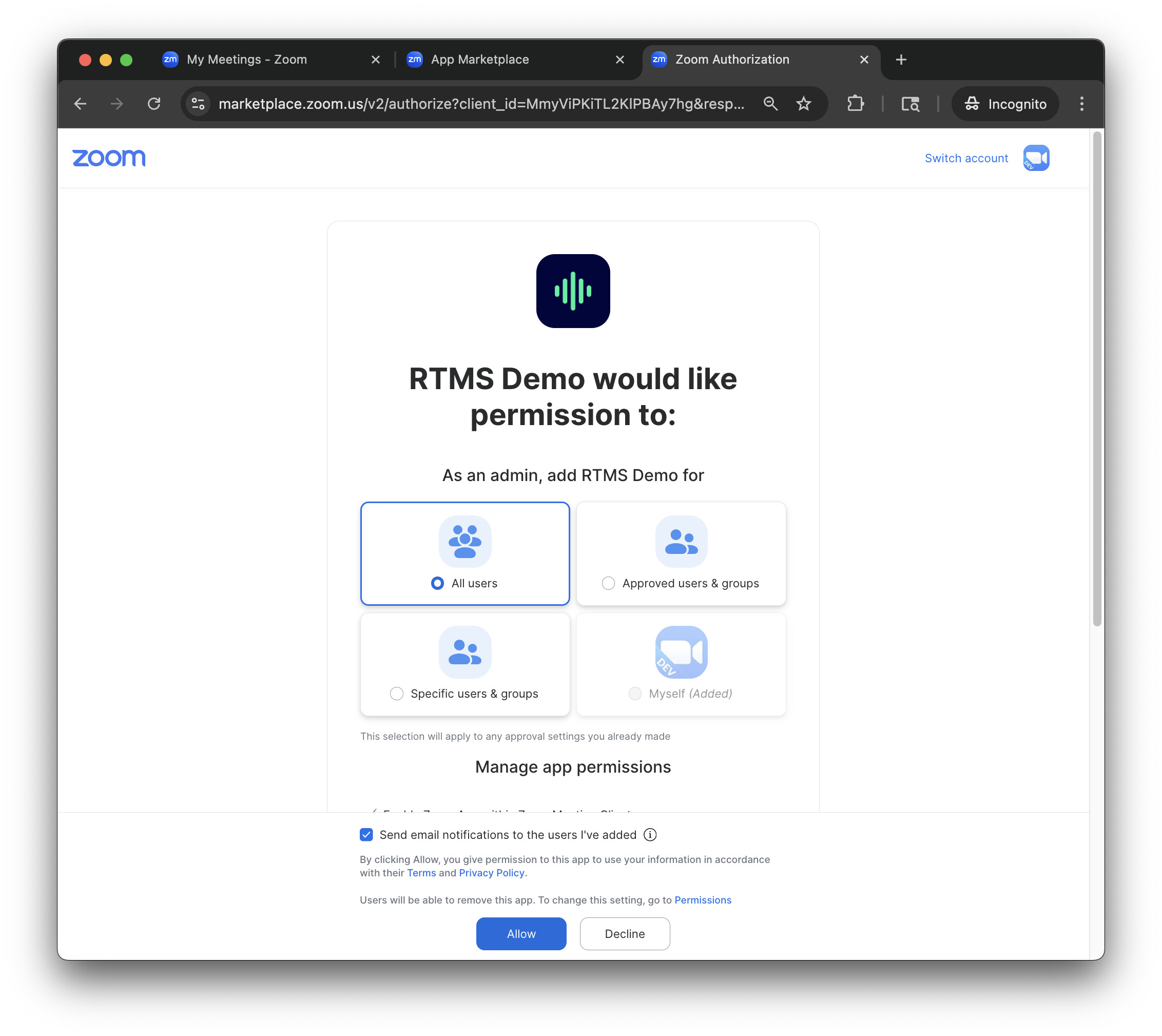
As a Marketplace admin, navigate to App Marketplace , find the app under Created Apps, and click Add Users.
This lets you install the app for all users, specific groups on your account, or yourself.
Then, as an admin, go to your account’s Zoom Apps settings page at https://zoom.us/account/setting?tab=zoomapps . Add the app here under Auto-start apps that access shared realtime meeting content.
This will send meeting.rtms_started for all users who you’ve installed the app for (account wide).
@michael.zoom Thank you for such a detailed message ! I will try this out.